Change Your Password
Overview
If you think someone else may know your password, or you'd simply like to update it, you can change your password at any time from your account settings.
Keeping your password up to date is one of the simplest ways to help keep your account secure.
Changing Your Password
To change your password, open Your Profile and select Change Password from the left-hand menu.
Alternatively, you can go directly to the password change page.
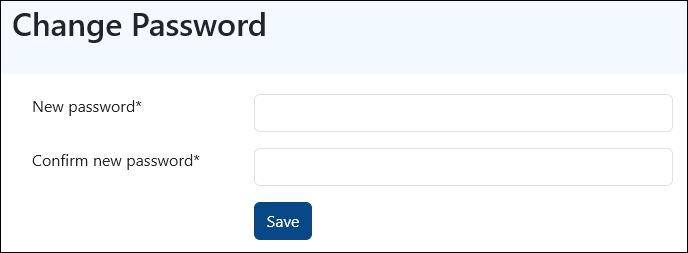
Enter your new password, confirm it, and then select Save.
Once your password has been changed successfully, you'll be logged out automatically.
Simply log back in using your new password and you're ready to go.
A Quick Tip
Choose a password that is unique to your PaTMa account and avoid using the same password across multiple websites or services.--- categories: - Property Manager|User Access - Deal Finder|User Access
Change Your Password
Overview
If you think someone else may know your password, or you'd simply like to update it, you can change your password at any time from your account settings.
Keeping your password up to date is one of the simplest ways to help keep your account secure.
Changing Your Password
To change your password, open Your Profile and select Change Password from the left-hand menu.
Alternatively, you can go directly to the password change page.
Enter your new password, confirm it, and then select Save.
Once your password has been changed successfully, you'll be logged out automatically.
Simply log back in using your new password and you're ready to go.
A Quick Tip
Choose a password that is unique to your PaTMa account and avoid using the same password across multiple websites or services.